


See it in action
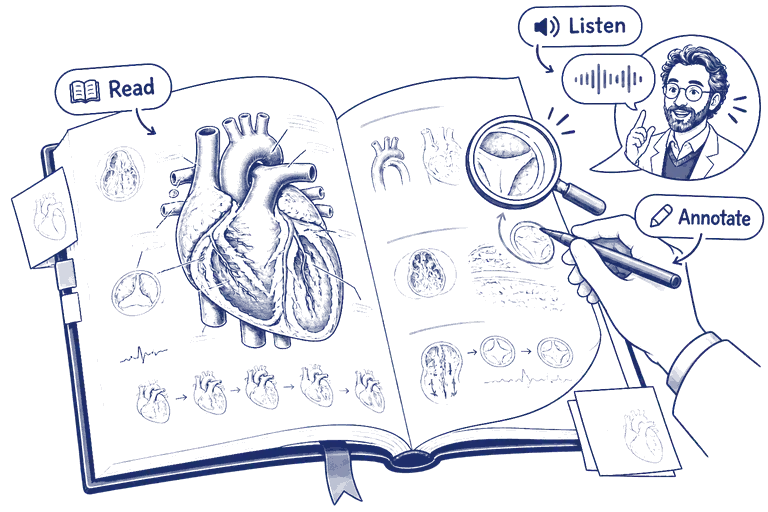
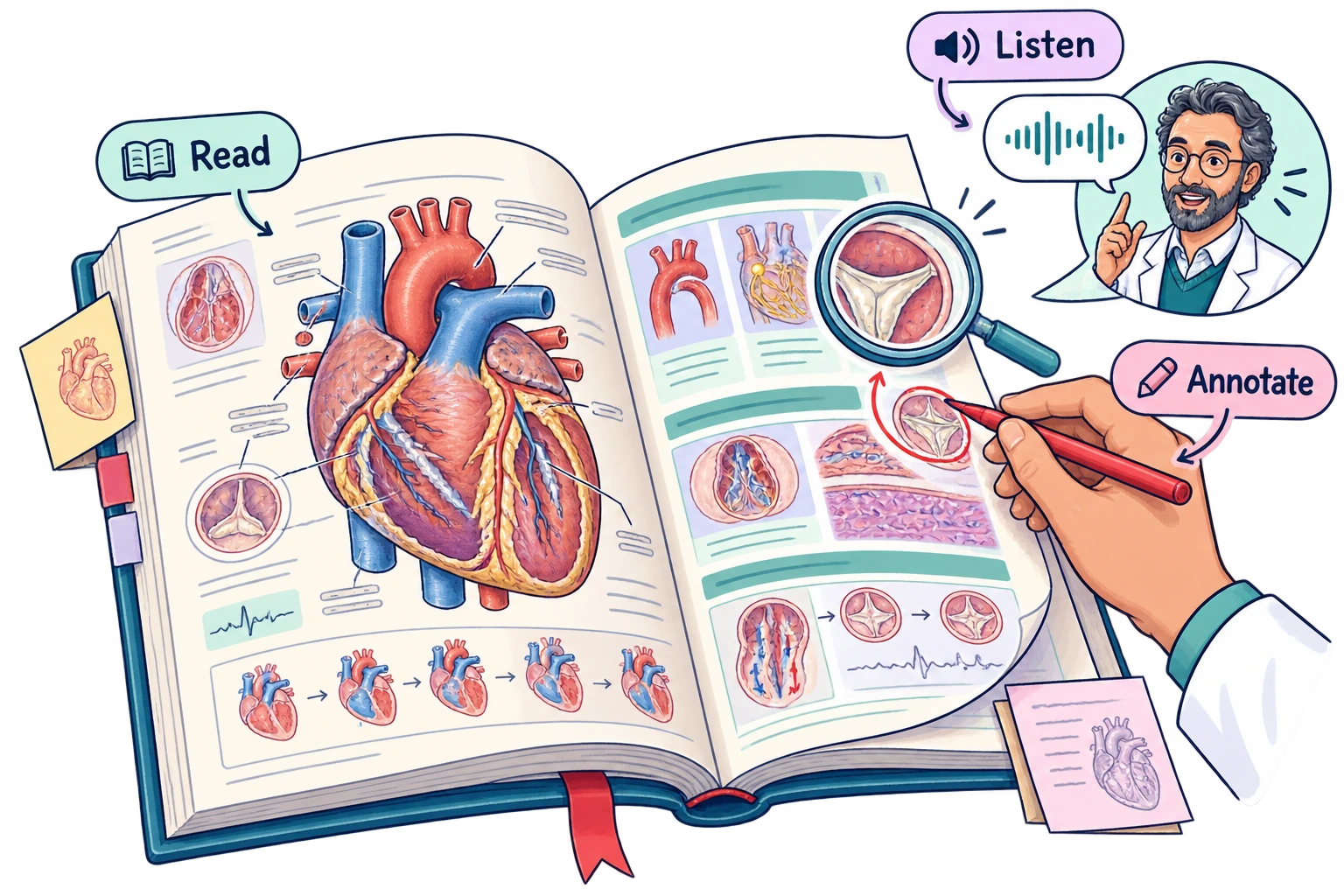
Your book. Your annotations. Your AI professor.
A live preview of the flipbook reader. Every control below exists in the real app.
Preparing pages
/ —
Everything on one page
A reader that finally fits how you study
Reading, annotating and asking questions — without ever leaving the page.




Realistic page flip
Turn pages like a real book — with smooth, physics-based transitions.
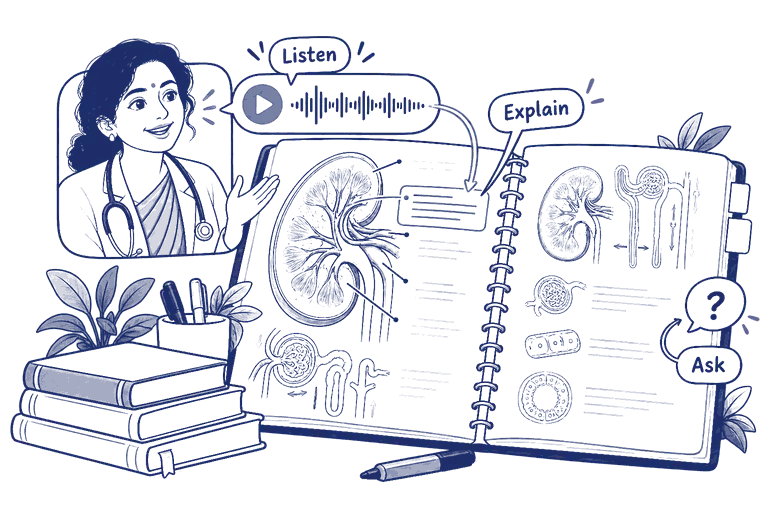
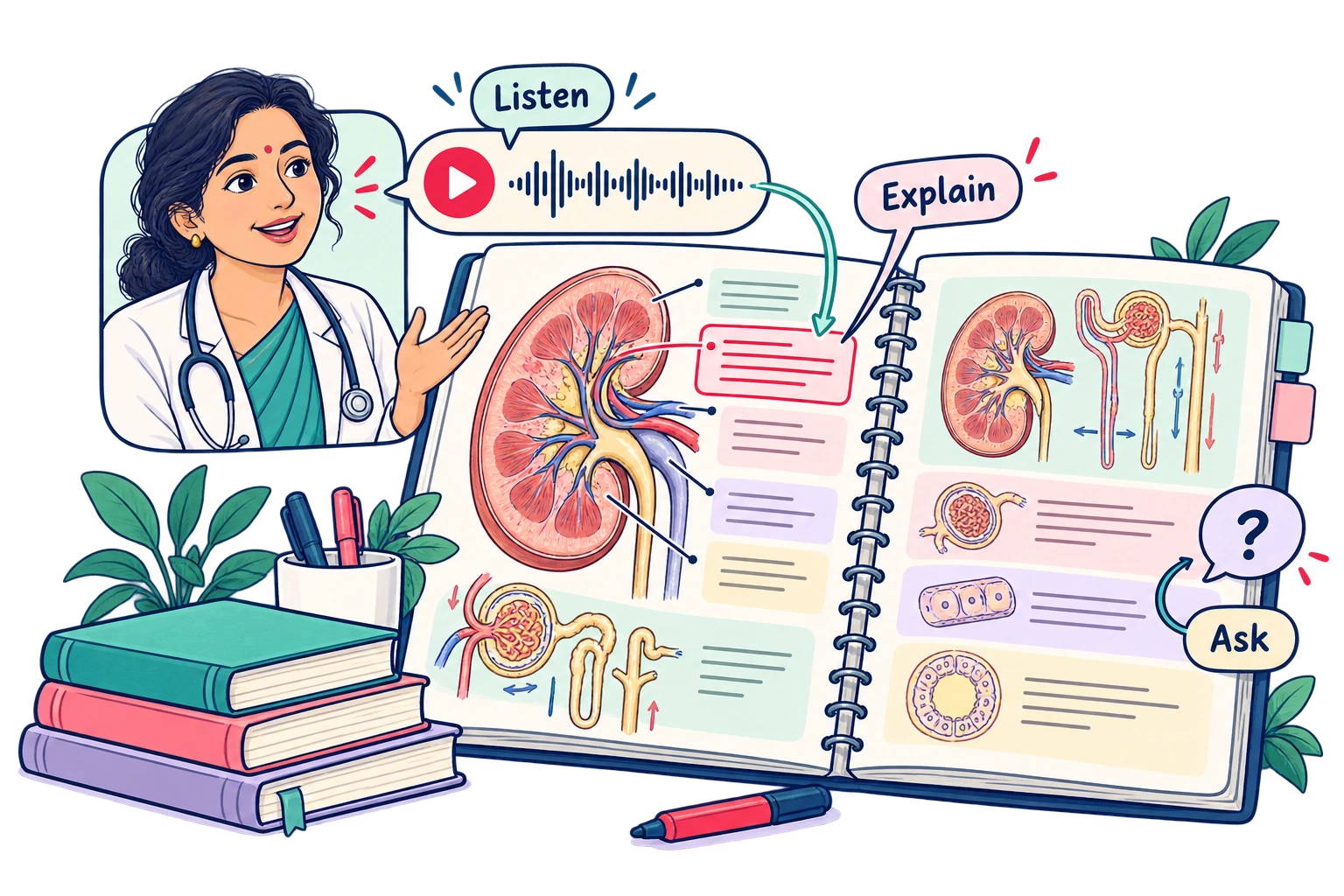








AI Professor narration
Every page comes with a voice explanation from a subject expert.
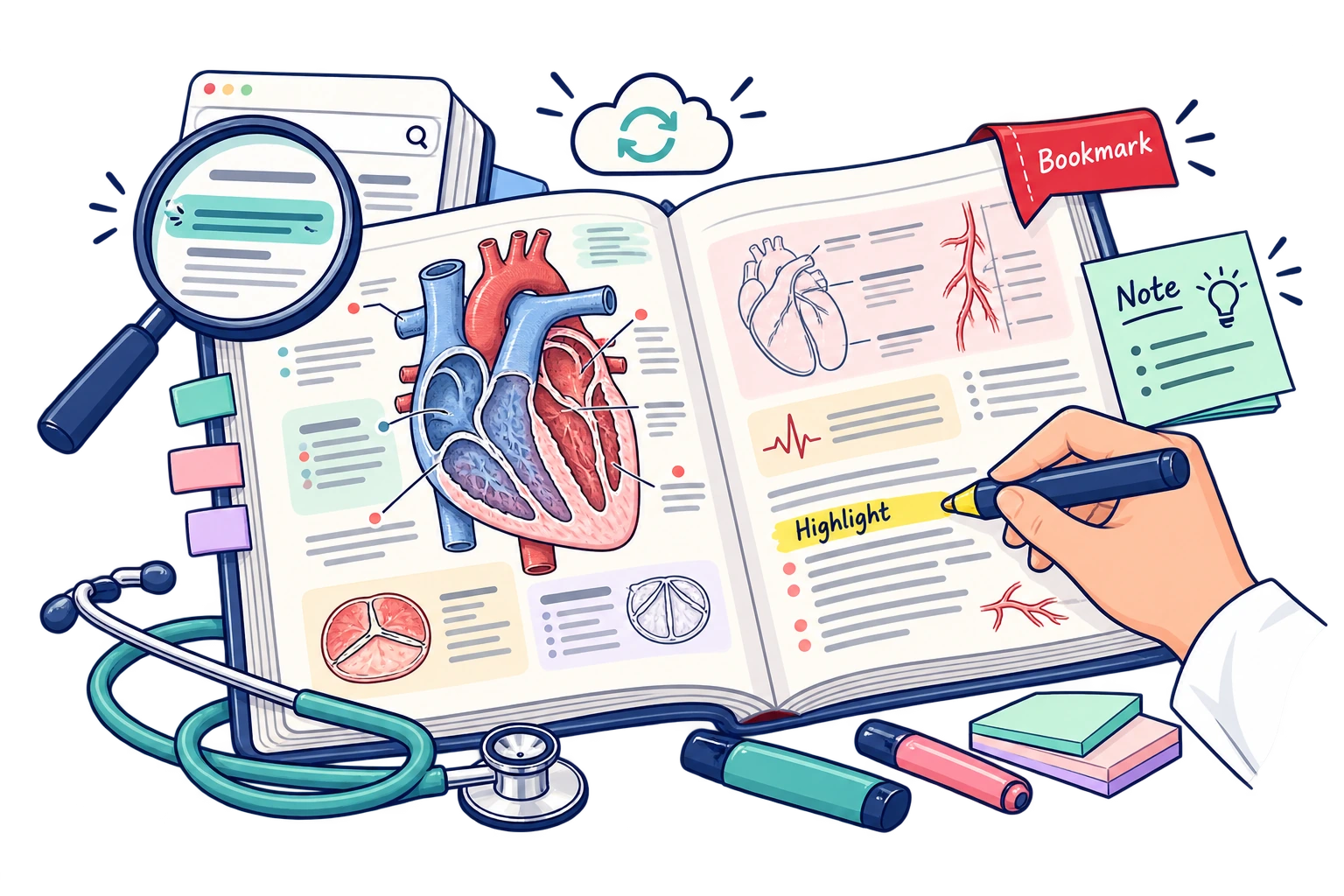



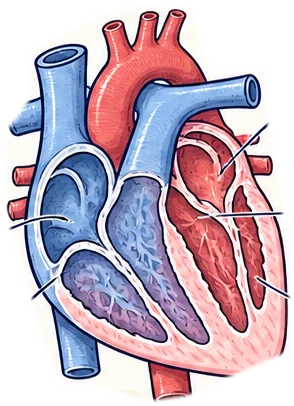


Highlight, notes & bookmarks
Mark what matters. Return to your last page anytime, on any device.

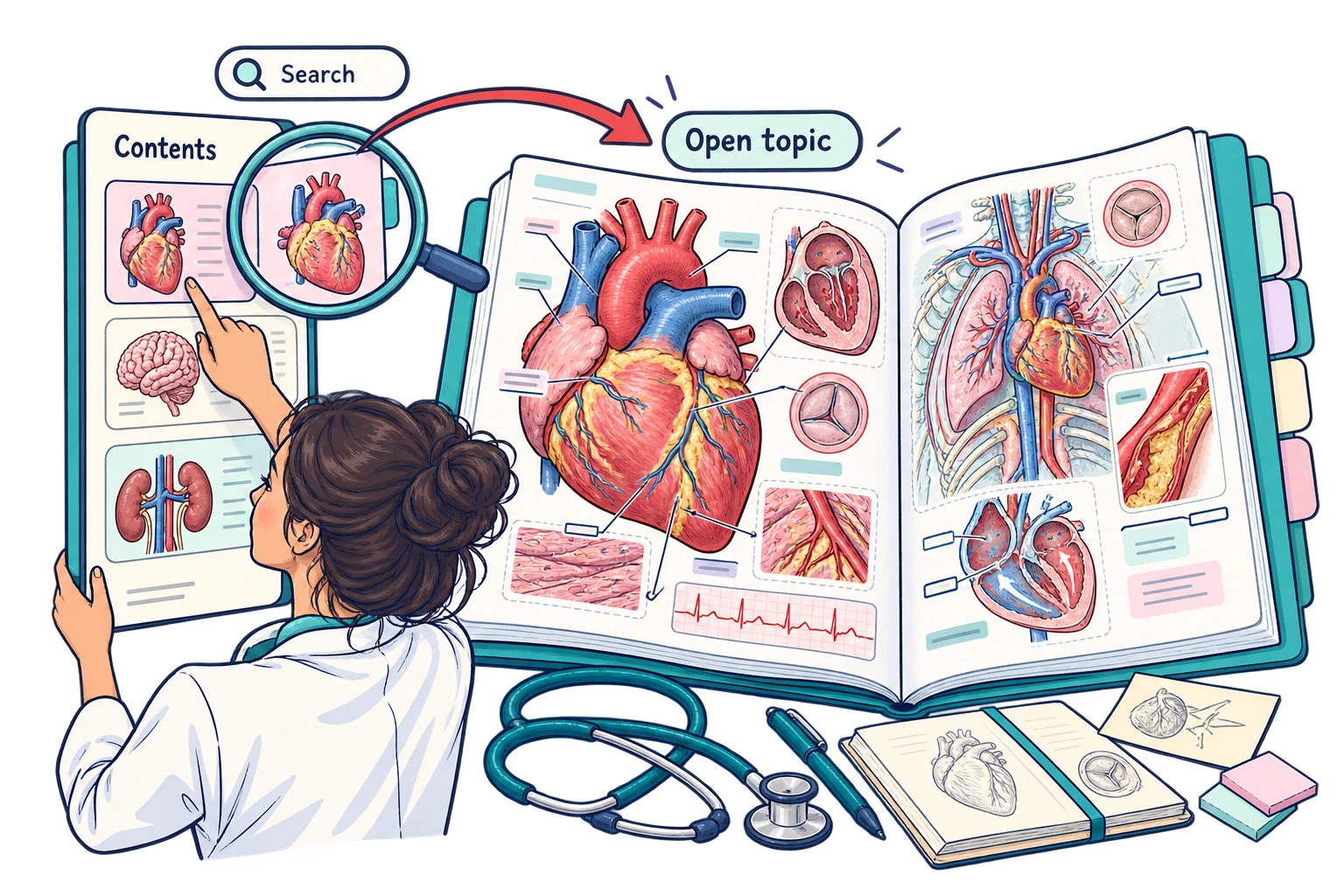




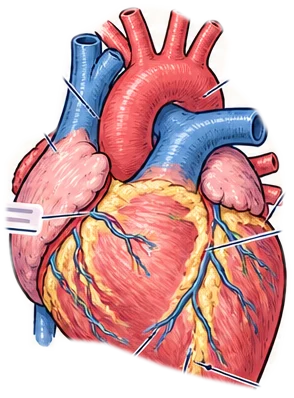


Contents & thumbnails
Jump to any chapter with searchable contents and a live thumbnail rail.
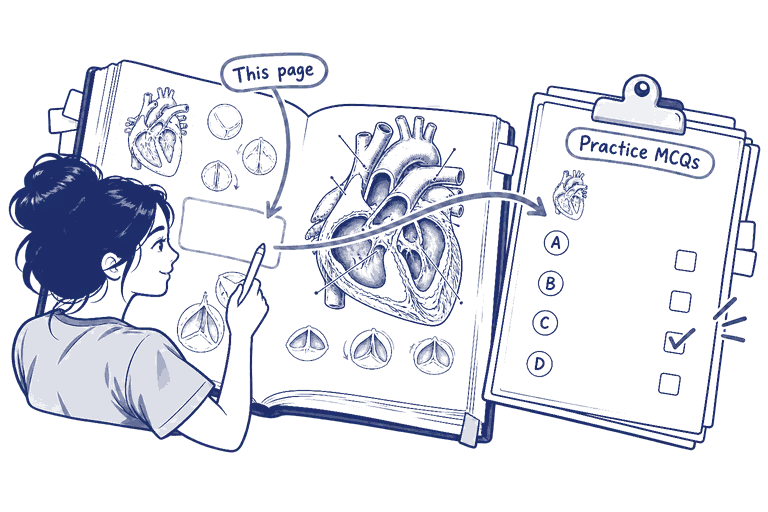
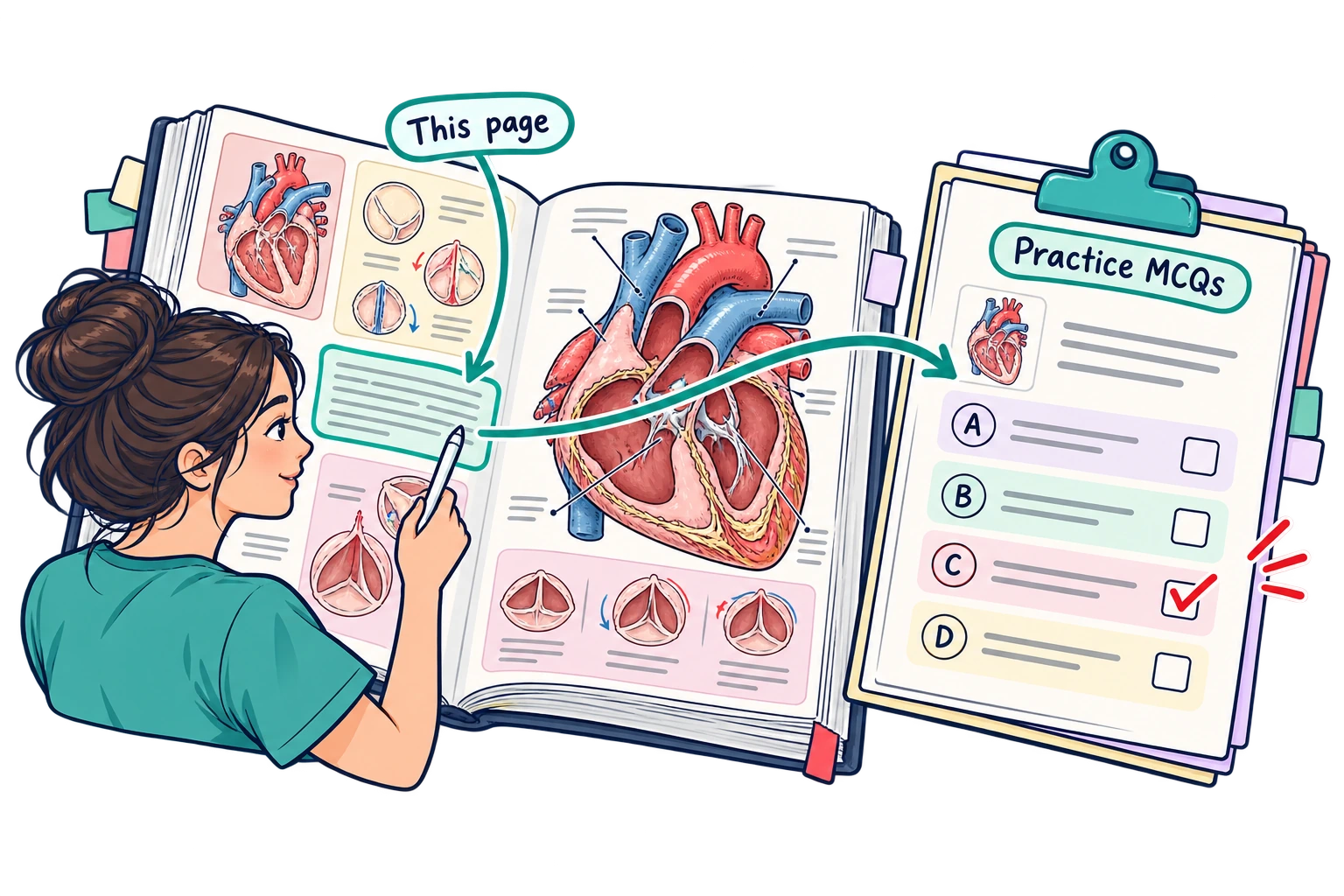

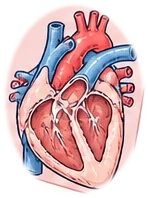




Practice from a page
Generate MCQs from the exact page you're reading — no context switch.
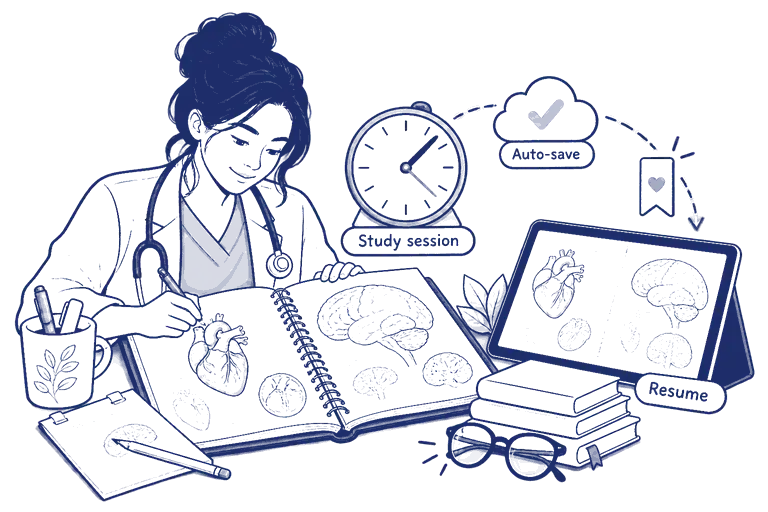
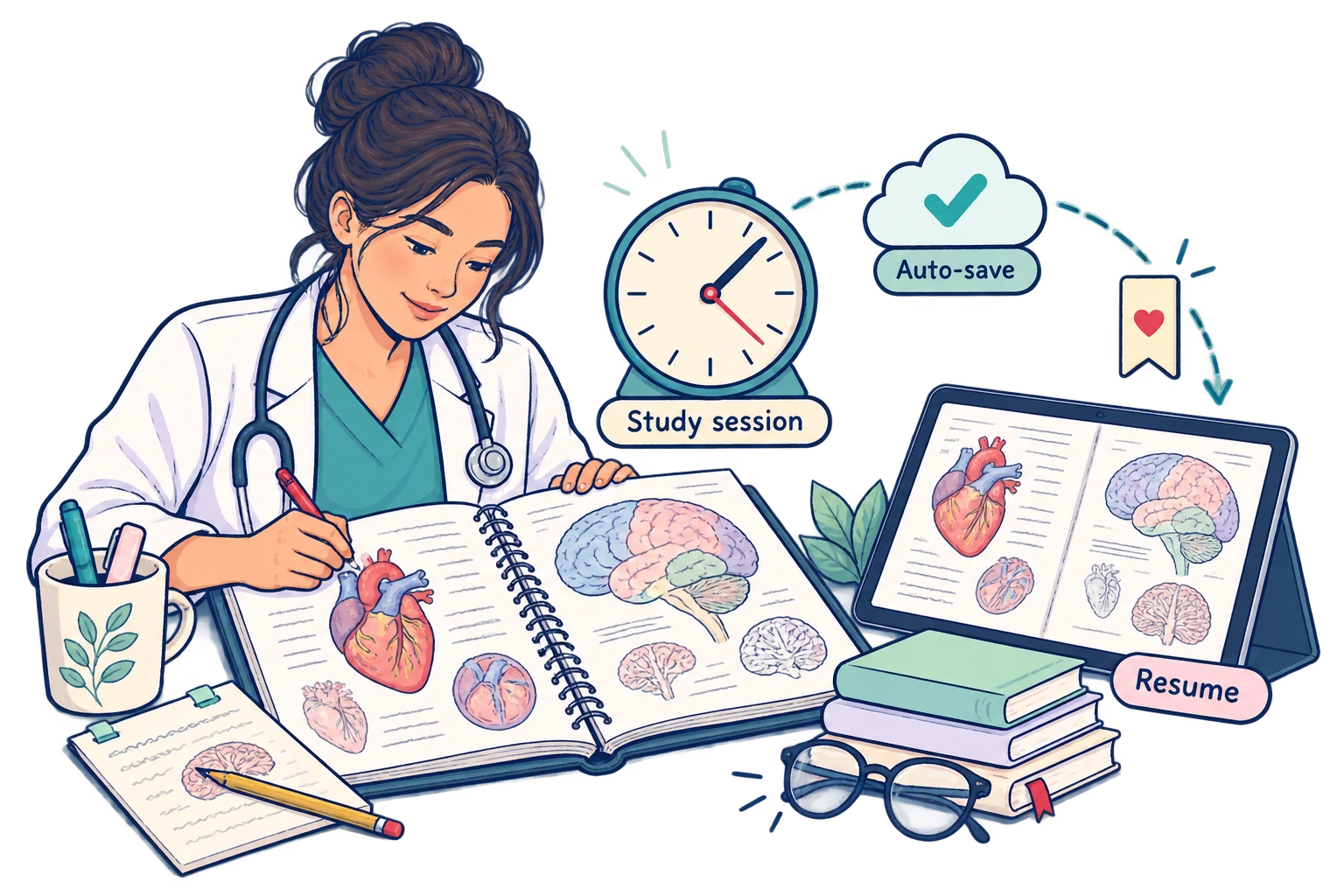




Auto-save & session timer
Progress and time-on-task saved automatically — pick up right where you left.
How it works
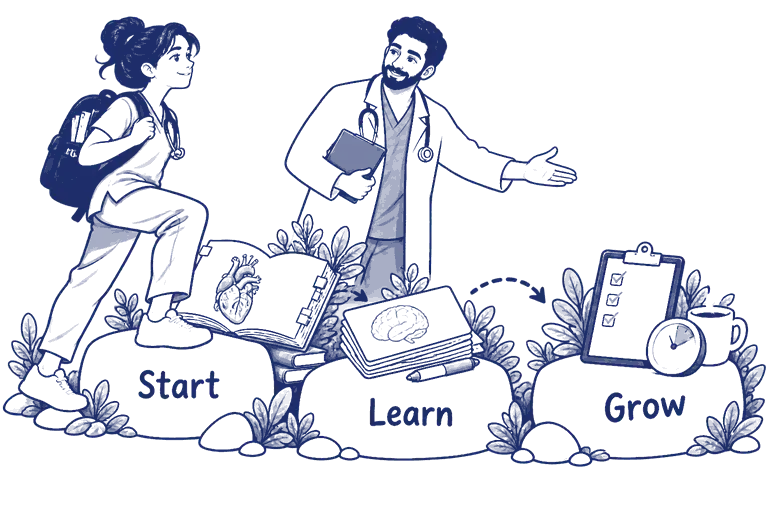
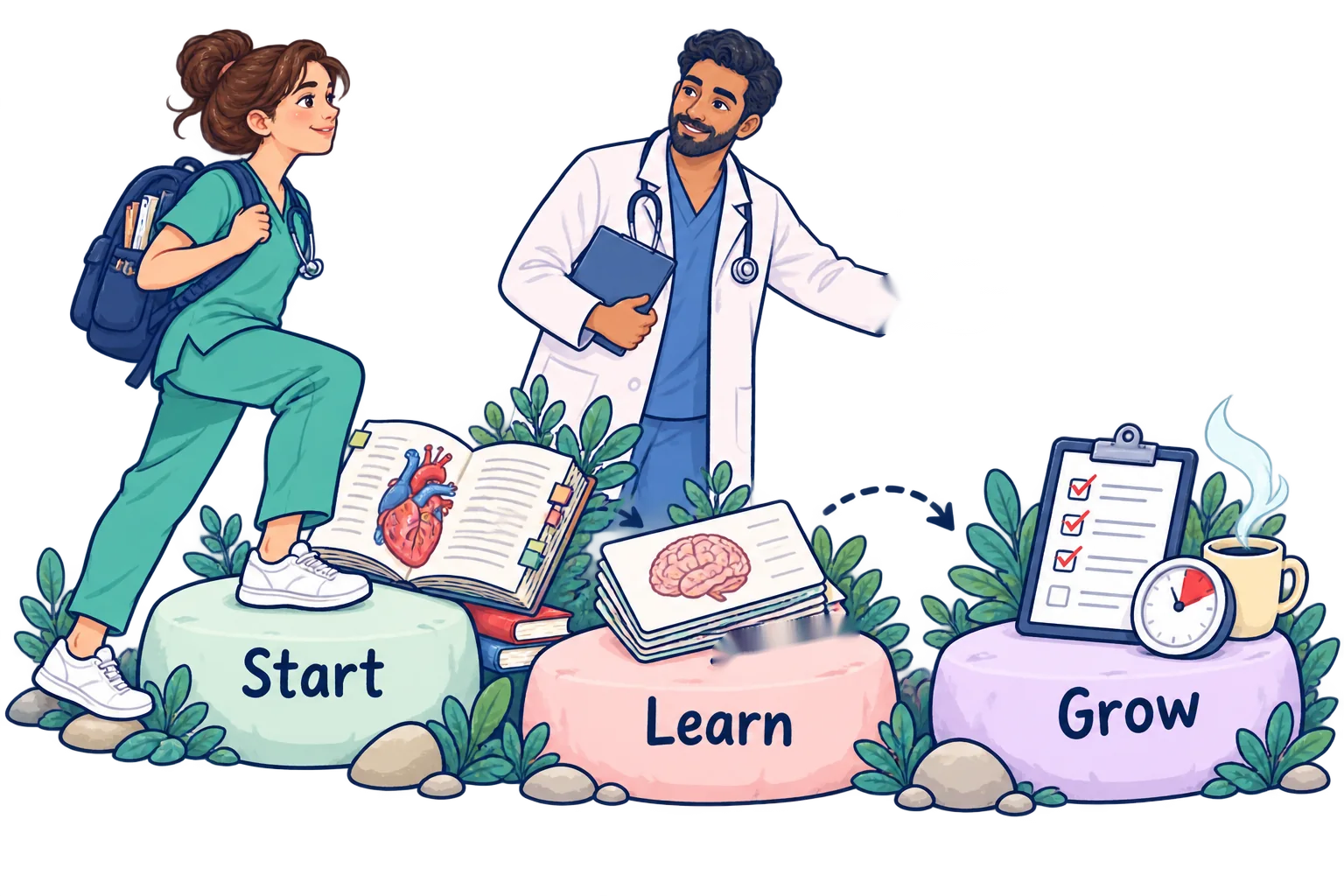
Three steps from open to understood
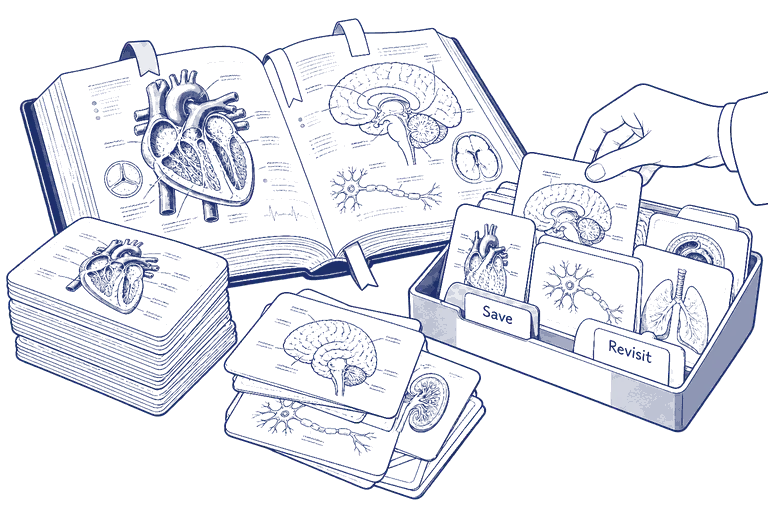
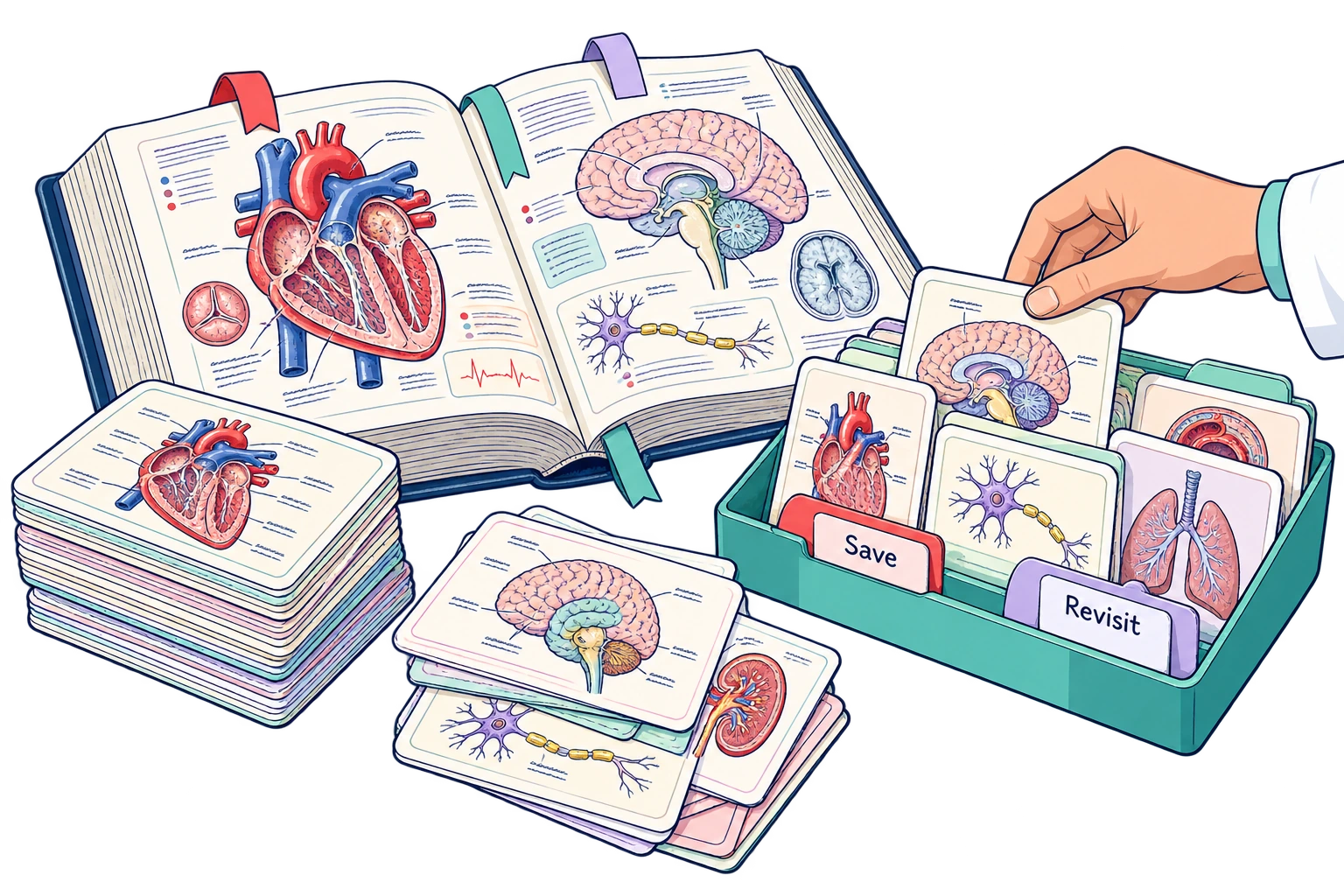


01
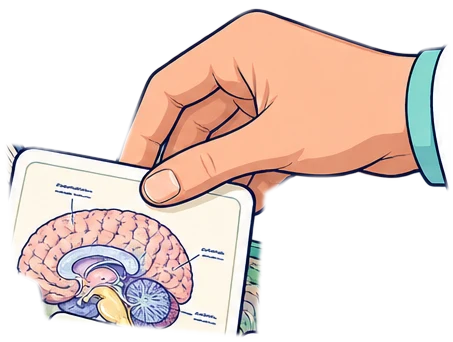
Open a book
Pick a subject flipbook from your course library.
02
Read & annotate
Highlight, add notes, bookmark, and search freely.
03
Ask the AI Professor
Play a voice explanation or ask a follow-up question.